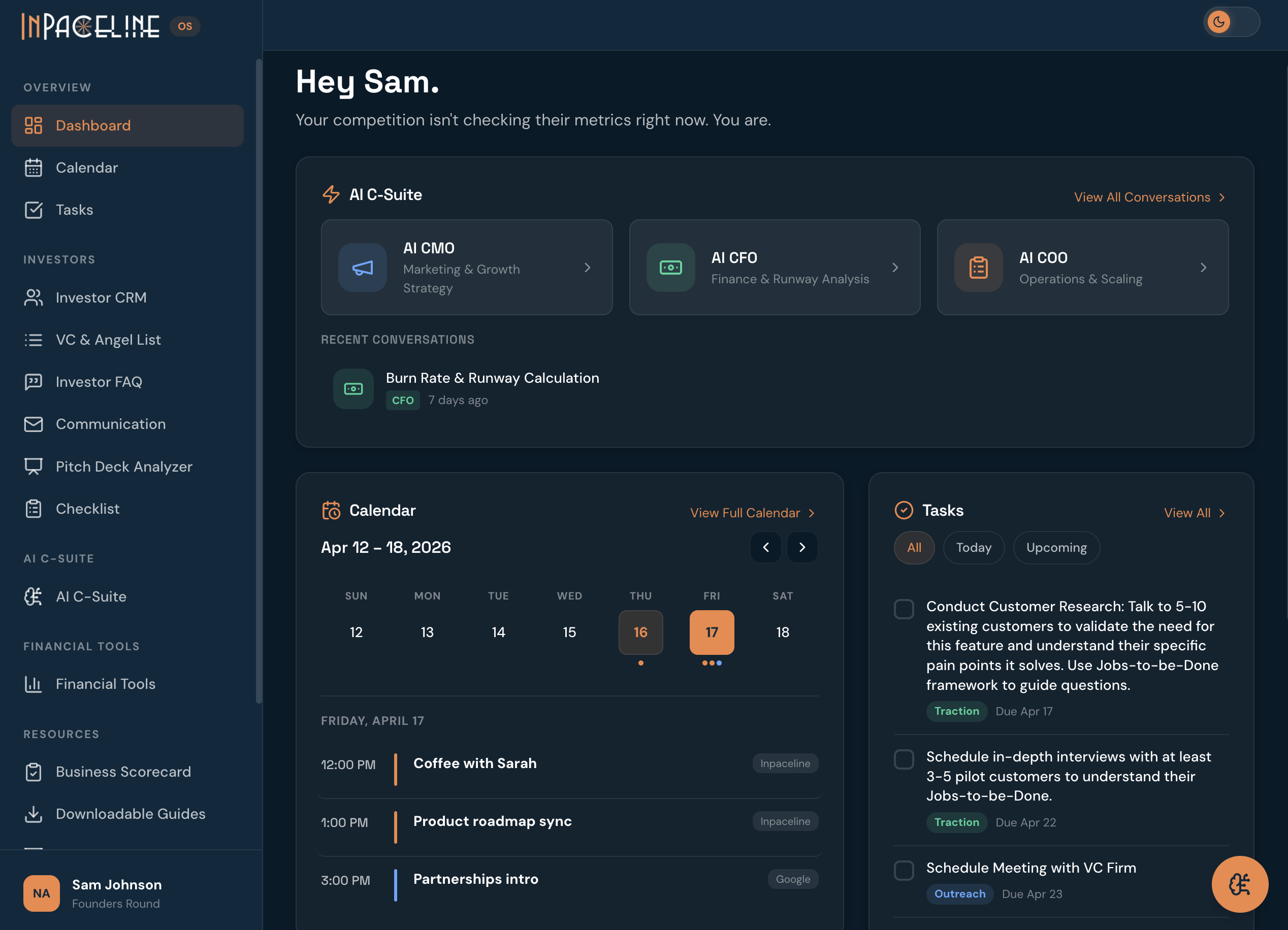
NewImprovedv1.2.0
Marketing Contribution — know if your marketing is actually profitable
A new financial tool for your marketing spend, and your prompt library now lives right inside the OS.
Marketing Contribution — a new financial tool
Enter your ad spend, team and platform costs, revenue, and orders per sales channel, and InPaceline tells you whether marketing is actually making you money.
- A scorecard you can act on. Four headline KPIs — MER, ASR, Marketing Contribution, and blended CPA — color-coded against goals you set, each with a sparkline of the year's trend.
- Built for how you actually spend. Track ad spend by sales channel (Website, Amazon, TikTok, or your own), plus shared costs like contractors and platform fees, month by month across a full year.
- Per-channel and blended KPIs. ROAS, CPA, and AOV per channel, rolled up into blended totals so you can see the whole picture at a glance.
- Find it under Financial Tools in the sidebar, alongside your P&L Calculator and other financial tools.
The Master Prompt Library, now inside the OS
- All 11 prompts, one click away. The Master Prompt Library — previously a PDF download — is now a page inside the OS, organized into the same five sections.
- Send any prompt straight to your advisor. Hit "Use with AI CMO" or "Use with AI CFO" on any prompt and it lands pre-filled in that advisor's chat, ready to send.
- Copy and go. Every prompt is one click to copy to your clipboard.
Tell us what's broken
- A "Send feedback" link in the sidebar lets you report a bug or leave feedback — with an optional screenshot — without leaving the app.
Under the hood
- Hardened security across headers, rate limiting, authentication, and dependencies.